



Pattern Tutorials
How to create a Seamless Pattern in Adobe Illustrator
Creating seamless patterns has been really easy since Adobe Illustrator's CS6 advance pattern editing. The built in system gives you the flexibility of repeating your tile automatically...
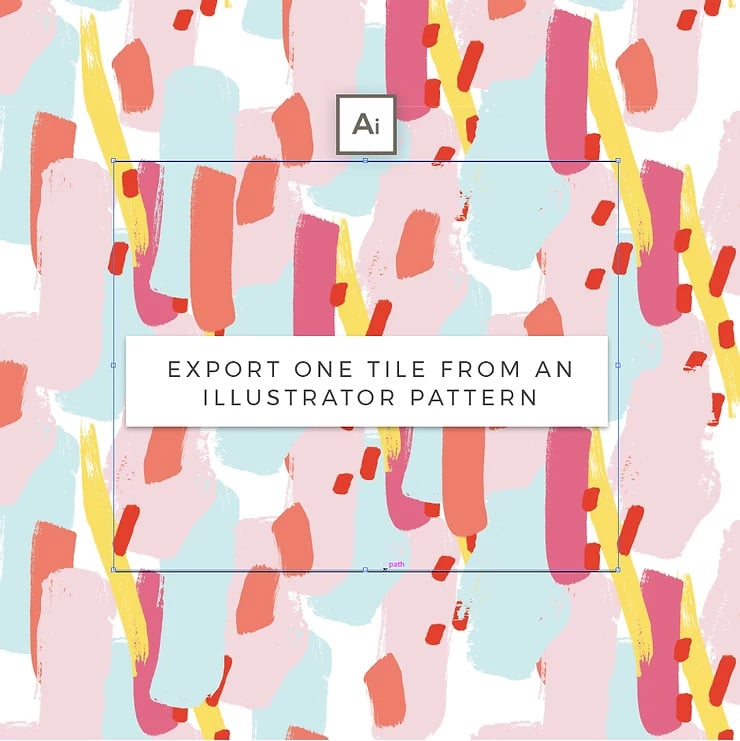
How to extract one Pattern Tile from an Illustrator pattern swatch
Designing or using patterns with Adobe Illustrator's pattern editor (vs CS6 or newer) has been great and made a creators work process so much easier.
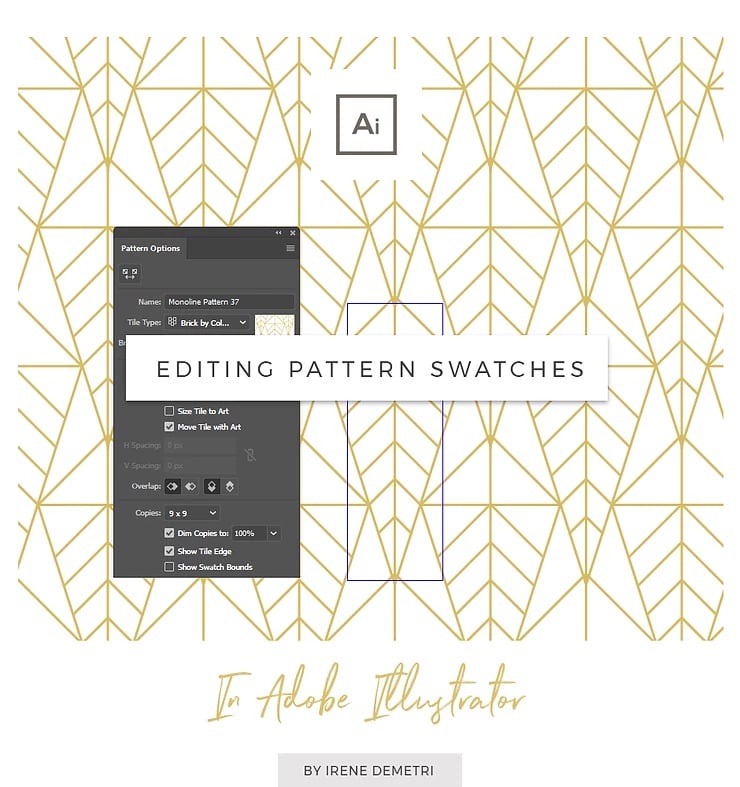
How to edit Adobe Illustrator Pattern swatches
I often get questions on how to edit a vector Illustrator pattern swatch. It is really easy and this post is going to show you how you can edit a pattern's size and color in Adobe Illustrator.